Plugins  /  Widget Compressor
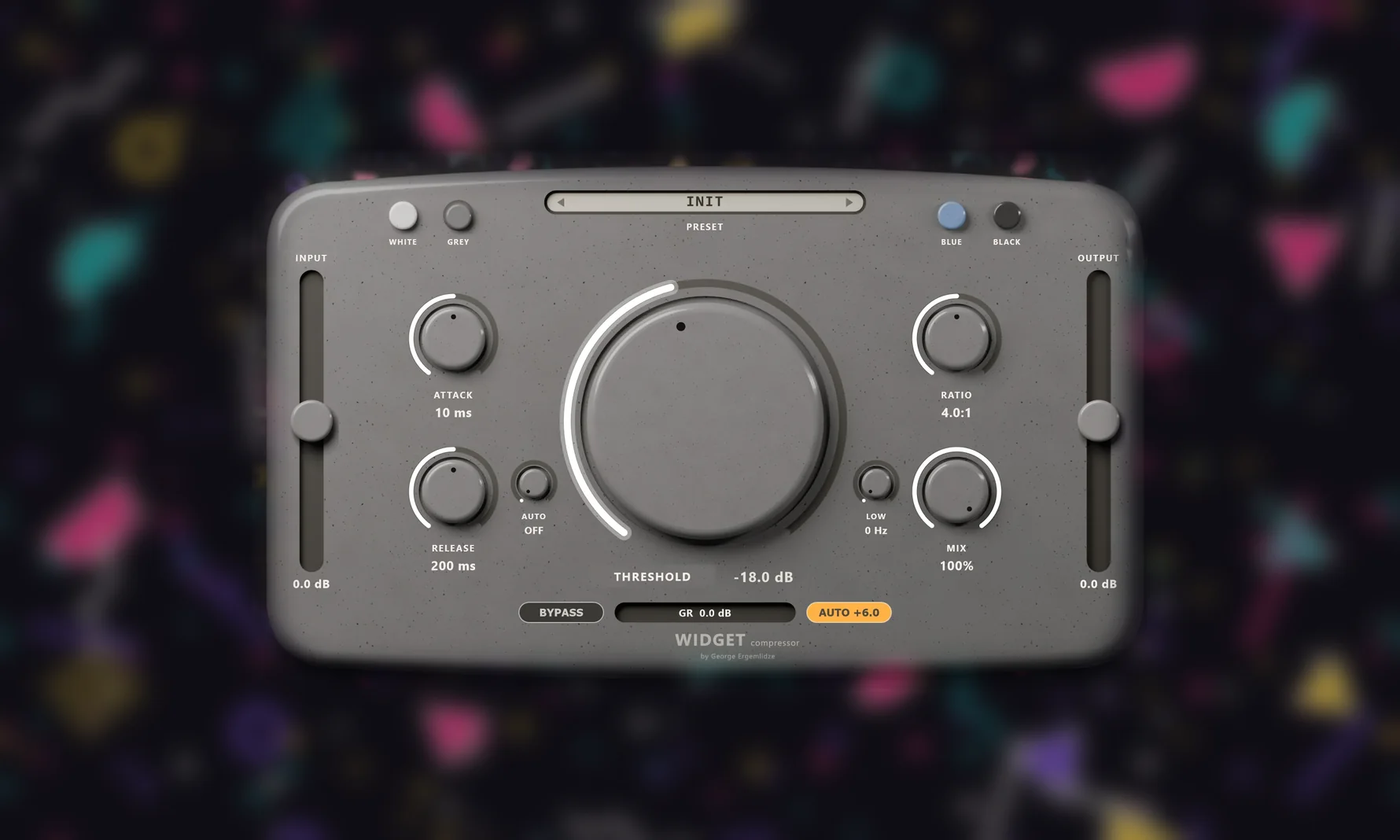
The Widget Compressor plug-in window in grey: a glazed, speckled body with the big Threshold puck in the middle, Attack, Release, Ratio and Mix knobs around it, Input and Output sliders at the sides, on a blurred 90s-pattern table
TUBE COMPRESSOR · v1.0.0 · 30-DAY FREE TRIAL

Widget Compressor

A tube compressor with a warm, characterful sound, made like a little glazed widget. Turn the big puck in the middle and it squeezes harder; the further it turns, the harder the tube inside is driven, so heavy compression also sounds richer.

30-day free trialTube built inAuto makeupTempo-synced releaseLow bypassParallel mix10 presetsFour skins
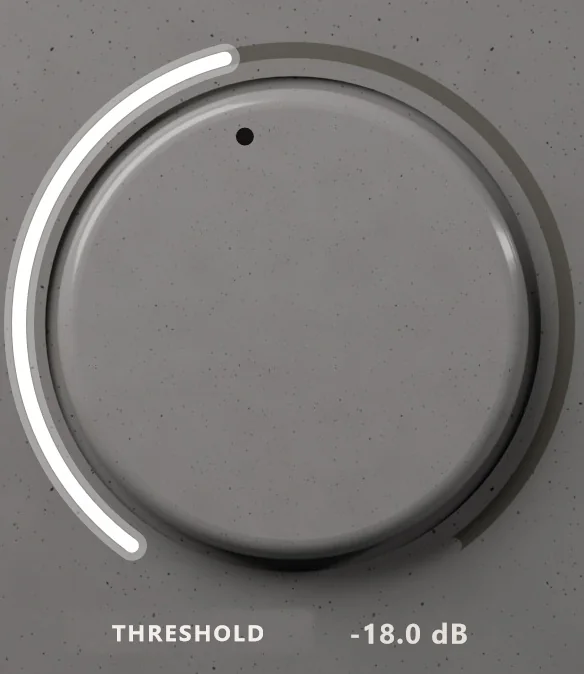
The big Threshold puck in grey, its white arc turned about a third of the way, reading -18.0 dB
01 / THRESHOLD

One big puck

Threshold is the puck in the middle, from 0 down to −40 dB. Turn it up and it squeezes more. There is no tube knob: the lower Threshold goes, the harder the tube is driven. Auto makeup brings the level back up by about what Threshold and Ratio take away, so turning it never just makes things quieter.

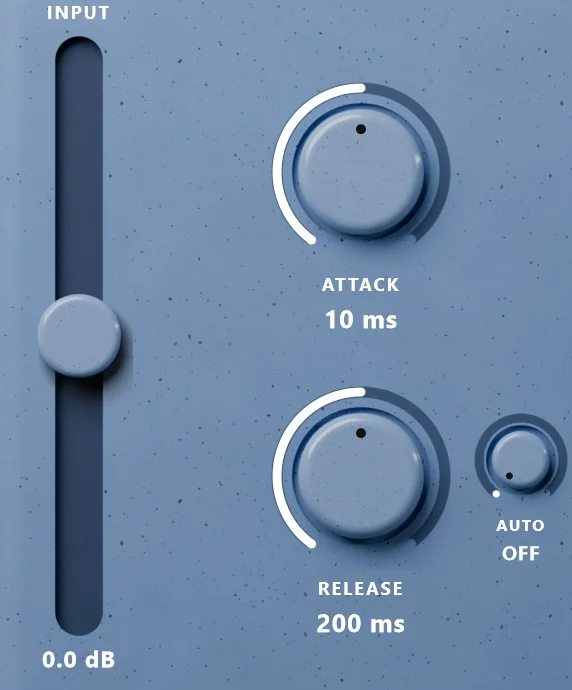
The left side of Widget Compressor in blue: the Input slider, the Attack and Release knobs and the small Auto knob beside Release
02 / TIME

Release in time

Attack from 0.1 to 100 ms and Release from 20 ms to 2 s, with a release that slows down after long, deep compression. Or turn the little Auto knob beside Release to a note, from 1/64 to a bar, and the compressor lets go within it, breathing with the beat of your song.

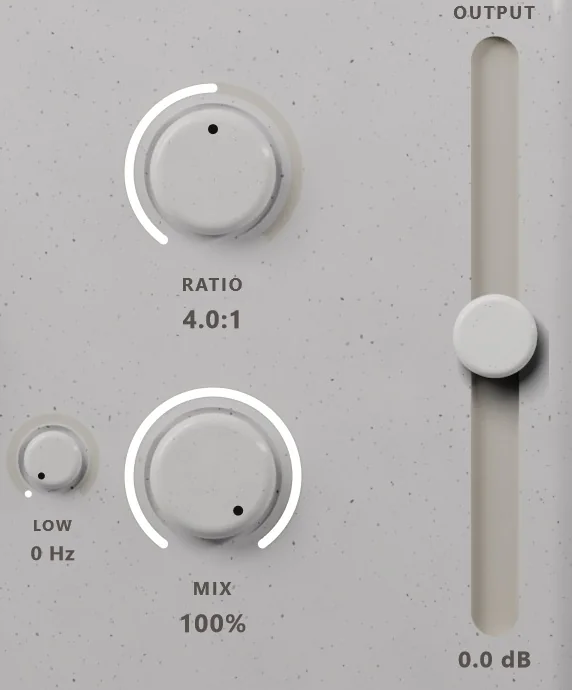
The right side of Widget Compressor in white: the Ratio and Mix knobs, the small Low knob and the Output slider
03 / LOW

Keep the low end

The little Low knob beside Mix, up to 250 Hz: below it, the sound skips the compressor and the tube, so a kick or a bass keeps its punch and never sets the compressor off. Mix blends in the dry signal for parallel compression, lined up with the tube so nothing smears.

04 / LOOK

Four skins

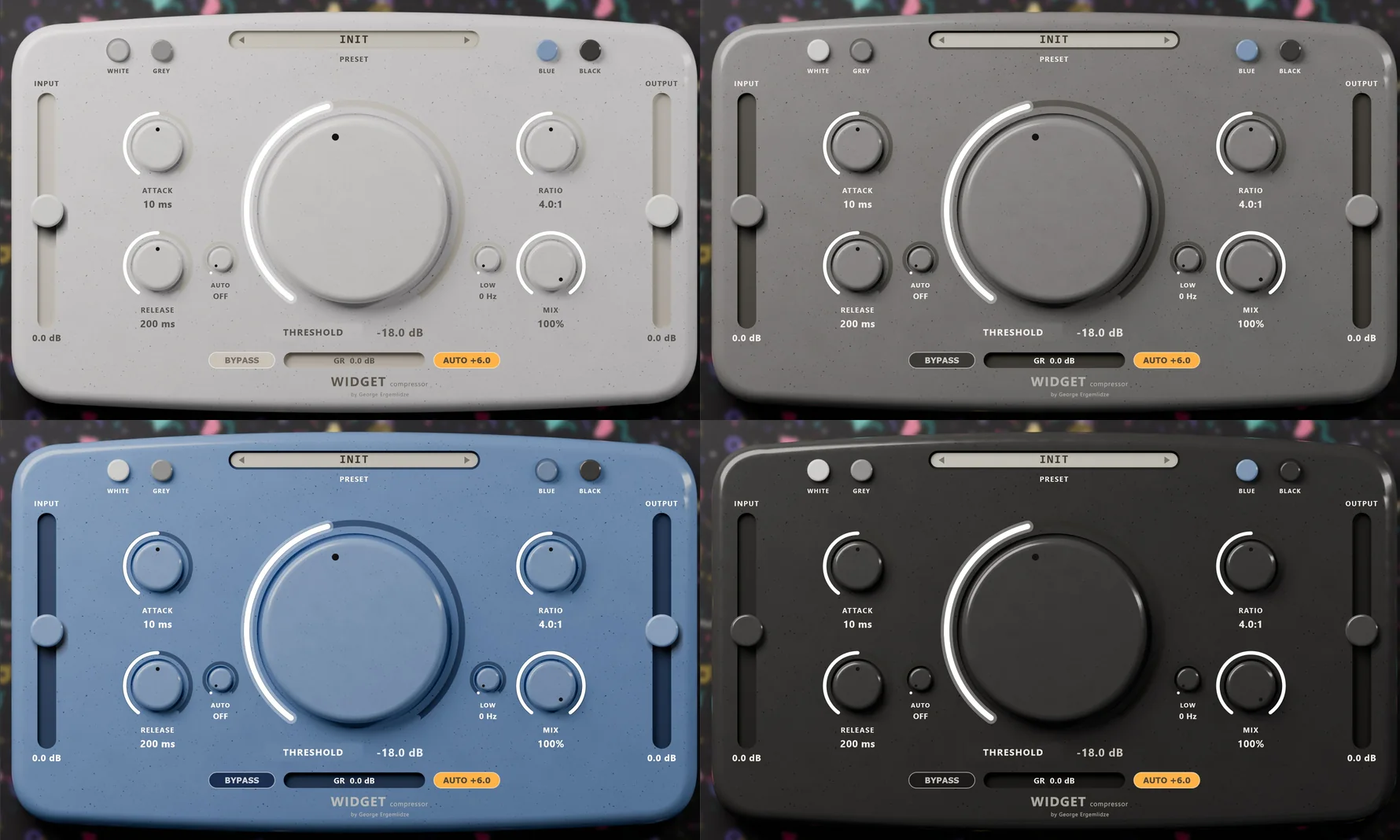
White, Grey, Blue and Black, with the four little buttons at the top. The skin is saved with your project, and the window can be resized from small to large.

Widget Compressor in its four skins: white and grey above, blue and black below
05 / FEATURES

A tube inside

An asymmetric tube stage, run at twice the sample rate, adds even and odd harmonics without aliasing, then an output transformer adds a little low end and a soft top.

Gentle by nature

A stereo-linked RMS detector and a wide soft knee: it squeezes harder the louder it gets, the way a variable-mu tube compressor does.

Auto makeup

Worked out from Threshold and Ratio, never from the signal, so it does not pump. Switch it off to set the level yourself with Output.

Ratio up to 20:1

From a gentle 1:1 glue to hard limiting, with Input and Output sliders of ±24 dB and a gain reduction meter under the puck.

10 presets and yours

Glue, Drum Bus, Kick Snap, Vocal, Bass, Pump, Parallel, Warm, Smash and Master, and save your own settings under a name.

Bypass

One button. While it is on, the knobs' white lights pulse, so you always see it.

INSTALLING
  1. Download it and close your DAW.
  2. On a Mac: open the installer and follow it. It installs the Audio Unit and the VST3.
  3. On Windows: the download is a zip. Right-click it, choose Extract All, and copy the folder Widget Compressor.vst3 into C:\Program Files\Common Files\VST3. There is nothing to run; the zip's How to install file has every step.
  4. Open your DAW. Most find a new plug-in when they start; if yours does not, rescan plug-ins. Widget Compressor is with the dynamics effects, under George Ergemlidze.
  5. Put it on a track and choose Start trial, or Activate with your account's email and password if you bought it.

Help with installing · To remove it on Windows, delete the Widget Compressor.vst3 folder from that VST3 folder.

SYSTEM REQUIREMENTS
macOS
11 or later
Windows
10 or 11, 64-bit
Format
VST3 on both; Audio Unit and a standalone app on a Mac
Channels
Mono or stereo
Internet
To activate. A computer that is never online can be activated offline.
FAQ

How much is it?

$25, once. Taxes are worked out at checkout.

How does the trial work?

Download Widget Compressor, open it in your DAW and choose Start trial. No account and no browser are needed. You get every feature for 30 days on that computer. After that it passes sound through unchanged until you activate a license; your projects keep their settings.

How many computers can I use it on?

Three at a time, as long as you are the one using it. Deactivate one to move to another.

Which DAWs does it work in?

Any DAW that loads VST3 plug-ins, such as Ableton Live, FL Studio, Cubase, Reaper, Studio One and Bitwig, and Logic Pro and GarageBand as an Audio Unit on a Mac. There is no AAX version, so not in Pro Tools.

What is the standalone app for?

It runs Widget Compressor on its own, with no DAW, on your computer's audio input. It starts with the input muted, so speakers and a microphone do not feed back: choose your audio device and unmute the input under Options.

Where are my own presets kept?

In %APPDATA%\Widget Compressor\User Presets.json, shared by every project and the standalone app.

Is it the same as Rice Cake Compressor?

Yes: Widget Compressor is its new name, and the presets you saved under the old name come along.
● REC
NEWS

Get news & updates

New music, new plugins and free updates — straight to your inbox. No spam. Unsubscribe anytime.

You will get one email to confirm your address. Privacy policy