READY ▶
Download PaperEQ
This is the Windows file. On a Mac, get the installer for macOS.
Your download has started. If nothing arrives, download it again.
What to do with the file
- Close your DAW first.
- The download is a zip: right-click it and choose Extract All, then open PaperEQ Setup 1.0.0 (Windows).exe.
- Windows may say it protected your PC, because the installer is not signed: choose More info, then Run anyway.
- Choose the plug-in alone or with the standalone app, and finish the installer. It replaces any older copy, Notebook EQ included.
- The download is a zip: right-click it and choose Extract All.
- Copy the whole PaperEQ.vst3 folder into
C:\Program Files\Common Files\VST3, replacing any older copy. Windows may ask for permission: choose Continue. - The zip also holds How to install.txt with these steps, and the licence texts.
- Open PaperEQ Installer 1.0.0 (Mac).pkg and follow it.
- On Installation Type, tick the formats you want: Audio Unit (Logic Pro, GarageBand), VST3, and the standalone app. Each one replaces any older copy.
- Open your DAW. Most hosts find a new plug-in when they start; if yours does not, rescan plug-ins. PaperEQ is with the EQ effects, under George Ergemlidze.
- The first time it opens, a sticky note shows you round. Skip it whenever you like.
User Manual (PDF) · v1.0
Every control, the pen, dyn and sidechain, presets and tips. 15 pages, 1.3 MB.
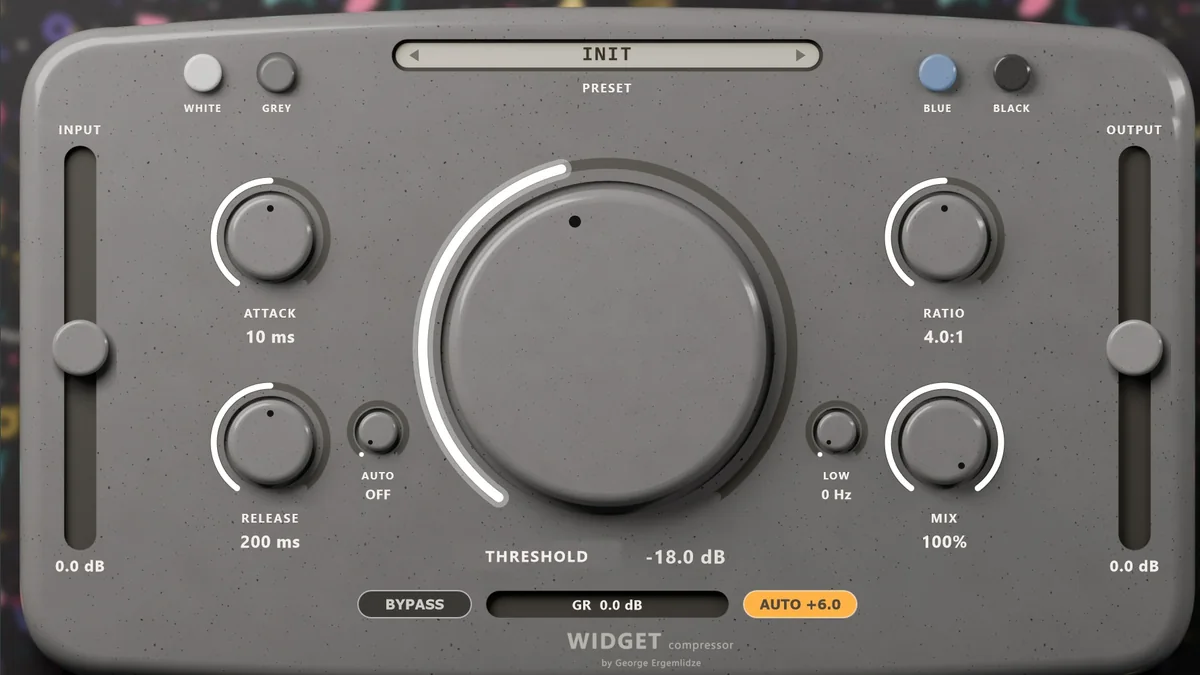
NEW · FREE 30-DAY TRIAL
Widget Compressor
A warm tube compressor with one big puck to turn, a release that follows your tempo and a Low knob that keeps the bass out of it. For Windows and macOS.
See and hear it →